Description
Support de plafond JMGO pour N1S SE, Nano et PicoPlay+
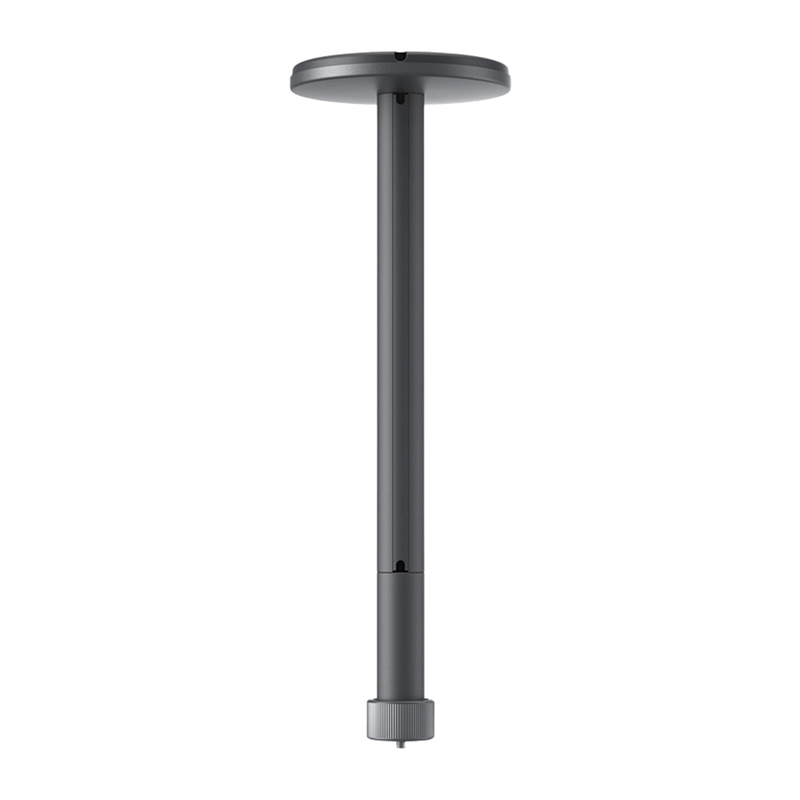
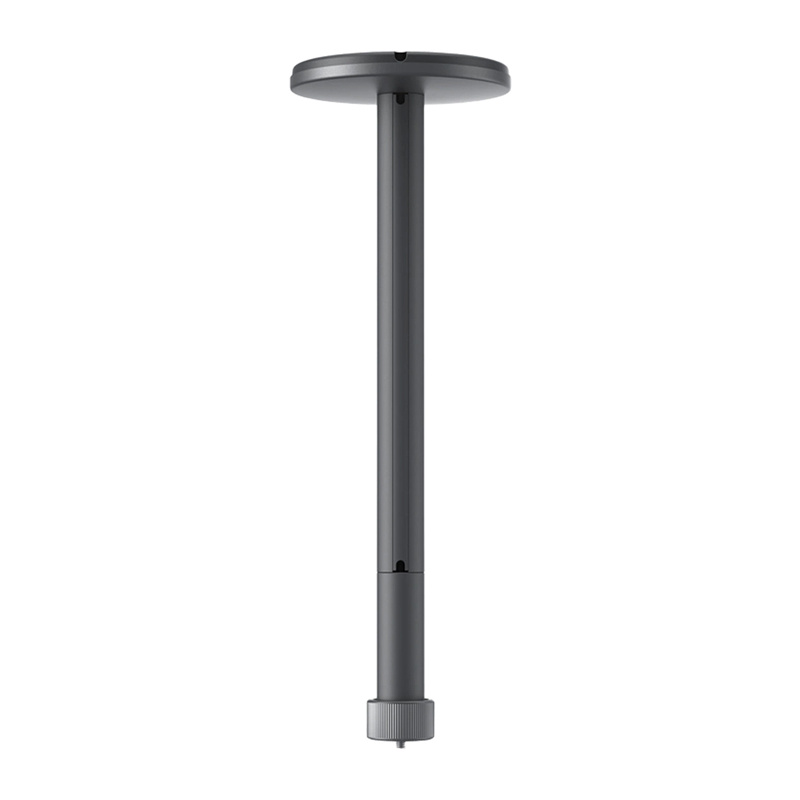
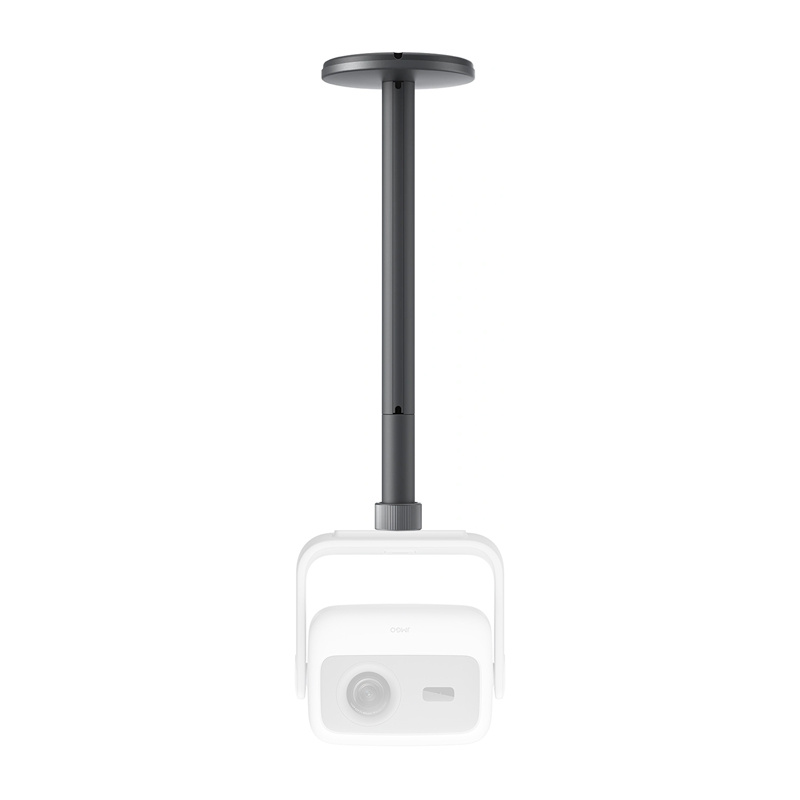
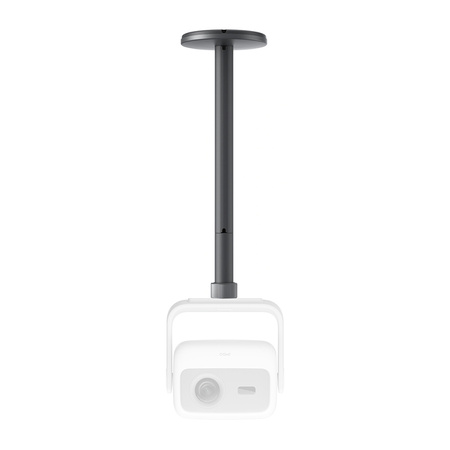
Le support de plafond JMGO est une solution soigneusement conçue pour une installation pratique et esthétiquement plaisante des projecteurs. Il combine une construction légère mais extrêmement stable en aluminium de qualité aéronautique, un système de gestion des câbles bien pensé et un design élégant en gris starlight. Il offre deux options de hauteur, ce qui facilite l’adaptation à votre espace spécifique et à la disposition de la pièce. La compatibilité avec les projecteurs JMGO et d’autres appareils avec un filetage 1/4″ (jusqu’à 10 kg) en fait une solution polyvalente pour les cinémas maison et au-delà. C’est une combinaison de fonctionnalité, d’esthétique et de durabilité qui améliore le confort d’utilisation au quotidien.
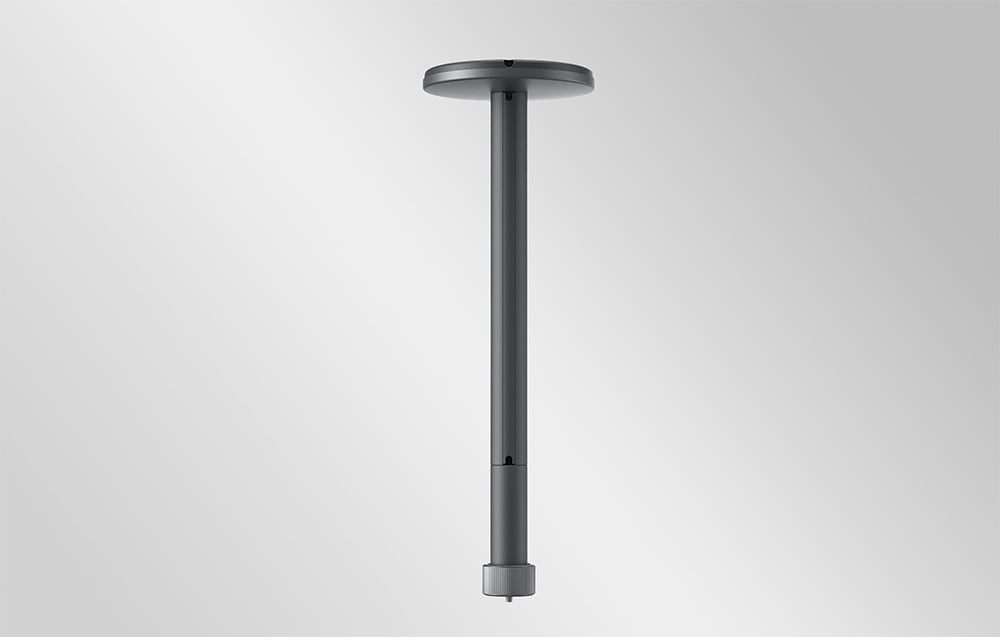
Stabilité sur laquelle vous pouvez compter
La construction en aluminium de qualité aéronautique garantit légèreté, mais surtout, durabilité exceptionnelle et installation sécurisée. Le support est conçu pour assurer une stabilité maximale même lors d’une utilisation prolongée, éliminant le risque de vibrations ou de desserrage. Cette solution fonctionne aussi bien dans un salon que dans des espaces plus exigeants où la fiabilité de chaque composant d’installation est critique.

Flexibilité d’installation adaptée à votre espace
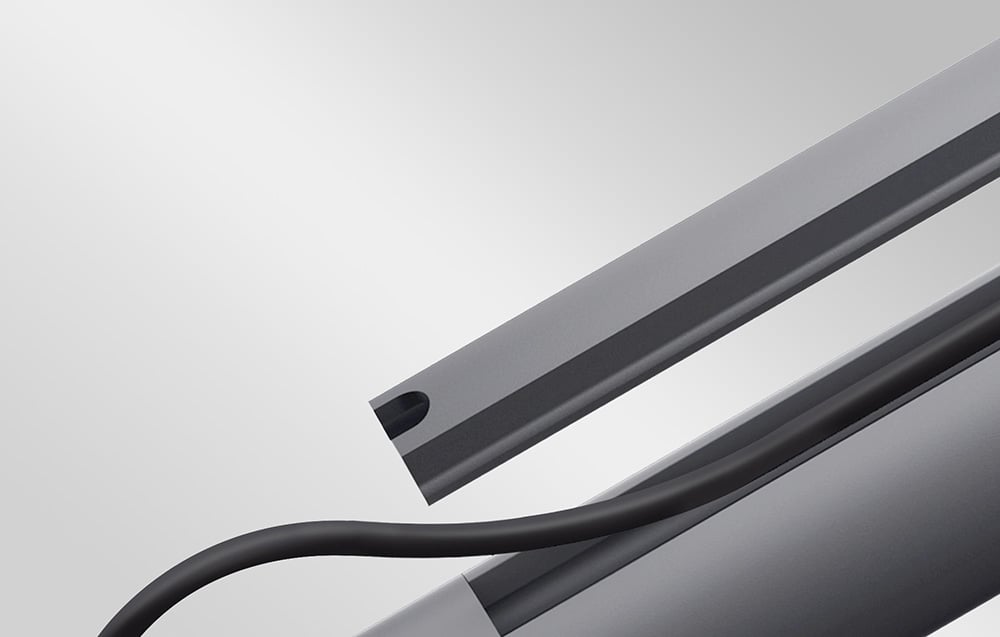
Avec deux options de hauteur de tige (100 mm et 300 mm), vous pouvez ajuster précisément le support à la hauteur du plafond et à la position optimale du projecteur. Cette solution vous permet d’atteindre l’angle de projection parfait et une flexibilité de design totale. Remarque : les tiges ne doivent pas être connectées entre elles. Un canal de câbles en forme de U intégré facilite l’organisation des câbles et leur dissimulation à l’intérieur de la structure. Cela garantit une installation soignée et professionnelle, sans câbles visibles et emmêlés.

Conçu en pensant aux projecteurs modernes
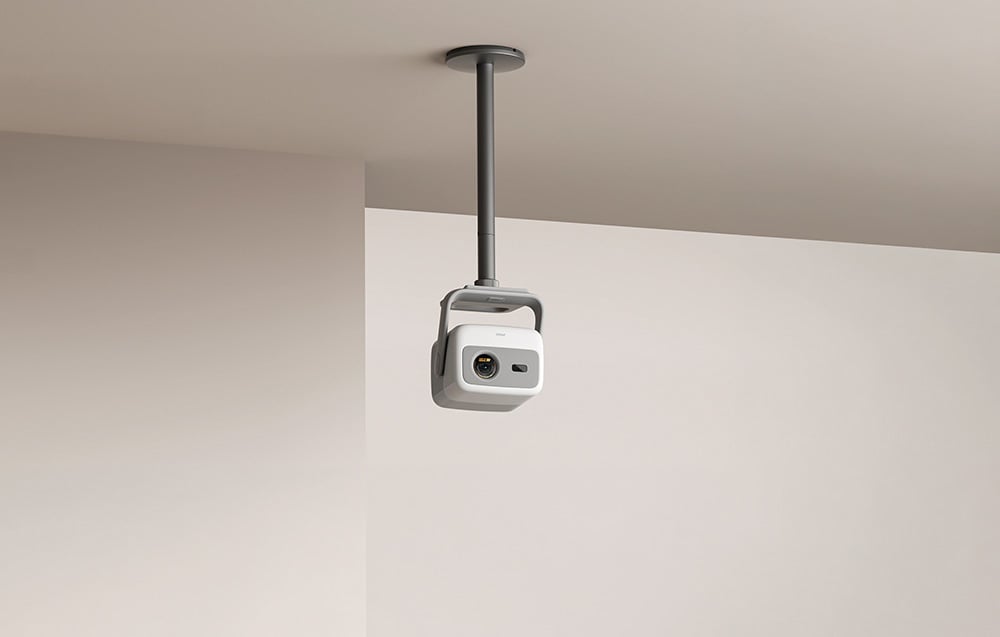
Le support a été créé spécifiquement pour les projecteurs JMGO, y compris les modèles N1S SE, Nano et PicoPlay+, mais sa polyvalence va bien au-delà. Grâce à son filetage standard 1/4″, il est également compatible avec d’autres appareils pesant jusqu’à 10 kg, ce qui en fait une solution polyvalente pour diverses applications, des cinémas maison aux espaces de présentation.
Installation rapide et sans tracas
Le kit comprend tous les composants nécessaires à l’installation, vous permettant de le mettre en place efficacement et sans problème. L’ensemble comprend une base, des bandes de couverture, des tiges, des vis, une tête, un autocollant de positionnement et un manuel d’utilisation, rendant l’ensemble du processus intuitif même pour ceux qui n’ont pas d’expérience. Cette solution vous permet de préparer rapidement l’espace pour la projection et de profiter immédiatement du résultat final.
Inclus
- support
- autocollant de positionnement
- chevilles d’expansion
- vis autotaraudeuses Phillips
- base
- bandes de couverture
- tige
- manuel d’utilisation
| Fabricant | JMGO |
|---|---|
| Modèle | P032 |
| Compatibilité | N1, N1S, N1S SE, N1S Nano, PicoFlix, PicoPlay+, Autres appareils avec un filetage 1/4″ jusqu’à 10 kg |
Discover more from Ypsilon Computers
Subscribe to get the latest posts sent to your email.